


Herospin App
Herospin App is the mobile way to use the same platform without installing an APK or downloading a separate Casino App. Players open the site in a phone browser, log in with the same account, and continue with the balance, profile, and rewards already linked to their account.
The left-side menu keeps the main Hero Spin sections close, while touch-friendly game cards make it simple to open slots or Sports. This layout helps players move through the site faster on Android and iOS devices.


Herospin Mobile Casino
Our platform works well for players who switch between devices during the day. A player can check a promotion on desktop, then return from a phone browser later without creating a new account. For faster access, players can add the Herospin App to the home screen through the browser menu, so the site opens like an app while still using the protected browser connection.
| Advantages | Considerations |
| Players can use Herospin App on modern Android and iOS devices through a browser. | A stable internet connection is needed for live dealer streams, payments, and sportsbook updates. |
| The same account works on desktop, phone, and tablet, so players do not need a separate mobile profile. | Some payment options, bonus offers, or sportsbook markets may depend on the player’s region. |
| Players can add Herospin App to the home screen and open the site faster from the device menu. | Casino does not use phone support, so players contact the team through Live Chat or email. |
| Mobile access keeps the full account available from a phone, so players can play, follow rewards, and manage key profile actions. |
Mobile App for Android
Hero Spin App works on Android through Chrome or another modern mobile browser, without installing any additional files on the device. This is safer for Android users because the casino opens from the official website, not from a third-party download page. We also update the browser version regularly, so the latest interface loads automatically when players open the site.
Android players can use the browser menu to add Herospin App to their home screen. This creates a shortcut to the site for quick access from the phone screen, while the platform continues to work through a secure browser connection. This shortcut is useful for players who often return to the Bonus Crab, Wheel of Fortune, or active tournament pages during the day.
Mobile Application for iOS
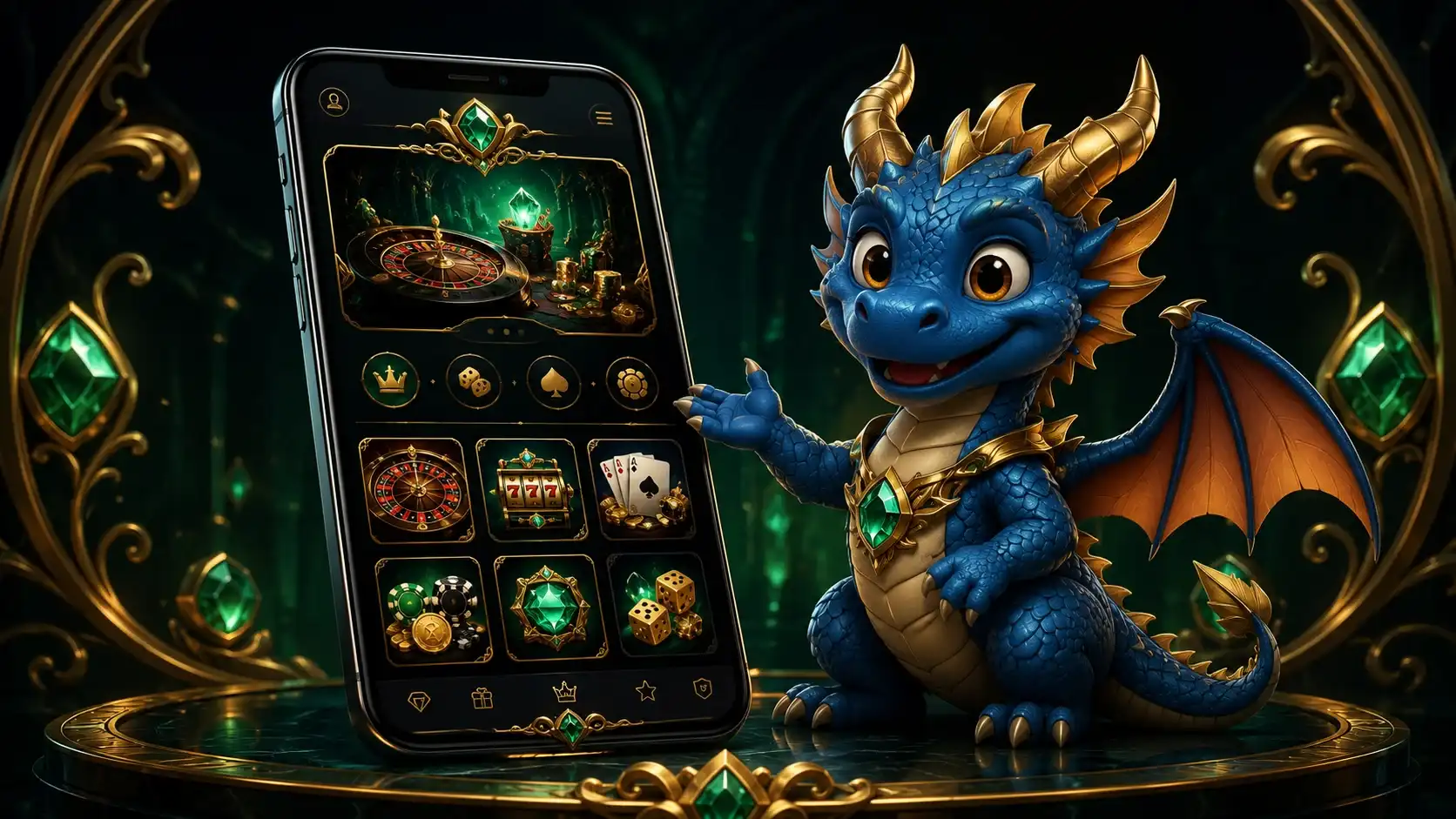
The website Casino runs through Safari, so iPhone and iPad users do not need to look for an App Store version. Players open the official website, sign in with their account, and keep access to the same profile used on desktop. Safari also lets players add Casino to the home screen, which creates a quick launch icon without storing a full Herospin App on the device.
How to add to the iOS home screen:
- Open Herospin Casino in Safari on your iPhone or iPad.
- Tap the Share button at the bottom of the browser.
- Select Add to Home Screen.
- Check the shortcut name and tap Add.
- Use the icon on the home screen for faster access.
Hero Spin Casino Application for Windows and macOS
The website works on Windows and macOS through a desktop browser. A larger screen gives more space for the medieval-style lobby, game cards and account pages. This format is useful for players who want to compare live tables or manage cashier steps with a clearer view. On the desktop, players open the official Herospin website, log in or create an account, and continue through the browser. A stable connection is still important, especially for live dealer games, payment pages, and sports odds that update during play.
Players who want faster desktop access can create a shortcut in the browser. In Google Chrome, open Herospin, click the three-dot menu, choose the shortcut or install option, and confirm the action. After that, the shortcut appears on the desktop, so players can open Hero Spin Casino faster without typing the site address each time.
Optimized Interface for Touch Controls
Herospin App adapts the mobile lobby for tap-based use, so players can move through the site without tiny buttons or heavy zooming. The medieval-style design keeps game cards, promo panels, and account buttons visually clear on a smaller screen. This helps players open the right section faster, especially when they switch between a slot or a payment page during one mobile session. This is useful in areas with quick decisions, such as Bonus Crab, where the player has 25 seconds to make a pick, or live betting, where market data can change during the session.
FAQ
Does Herospin need access to my phone files?
No, the casino runs in the mobile browser, so players do not need to install a file on their device. This keeps mobile access lighter and avoids giving a separate app broad access to phone storage.
What should I do if a live game slows down on mobile?
Players should check the internet connection first, because Herospin live dealer games stream real-time video. If the table still loads slowly, try closing other tabs on the phone’s browser to free up resources for the game screen.
Is the Herospin mobile shortcut the same as a downloaded app?
No, the shortcut only opens the official website faster from the device screen. It does not install a separate Casino App, so updates still load through the browser.
Can I remove the Herospin shortcut from my phone?
Yes, players can remove the Herospin shortcut from the Android or iOS home screen like any other saved icon. This only removes the quick access icon, while the Herospin account remains accessible through the official website.


